

Attention taxpayers: Link your PAN with Aadhaar before Dec 31; Here’s step-by-step guide
Mail This Article


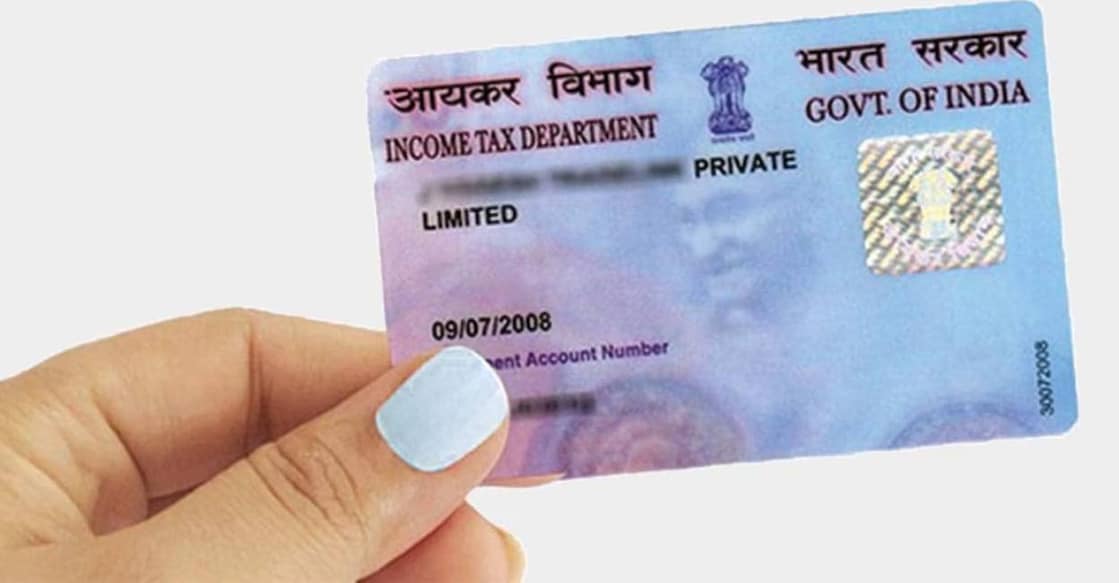
The deadline to link PAN with Aadhaar is December 31. If you are an individual taxpayer and do not complete the process by then, your PAN will become inoperative starting January 1, according to the Government of India.
“For existing PAN holders who were allotted PAN on or before 01-07-2017, it is compulsory to link PAN with Aadhaar. The Link Aadhaar service is available for individual taxpayers, whether or not they are registered on the e-Filing Portal,” reads the official notification.
As per the order issued by the Income Tax Department in April this year, all PAN cards issued using an Aadhaar number before October 1, 2024 must be linked with Aadhaar by the end of 2025.
You can link your PAN with Aadhaar online by following these steps:
Step 1
Go to the Income Tax Department’s e-Filing Portal and log in.
Step 2
Select “Link Aadhaar” under Quick Links. You can also log in and find the option in your Profile section.
Step 3
Enter your PAN and Aadhaar numbers.
Step 4
Click Continue to move to the payment page via e-Pay Tax.
Step 5
Re-enter your PAN, provide your mobile number, and verify using the OTP sent to your phone.
Step 6
After OTP verification, you’ll be redirected to the e-Pay Tax page.
Step 7
Click Proceed.
Step 8
Choose the correct Assessment Year and select “Other Receipts” as the Type of Payment. Click Continue.
Step 9
The payable amount will appear automatically under “Others.” Click Continue to finish the payment.
Step 10
Log back into the e-Filing Portal. From the Dashboard, open your Profile and click “Link Aadhaar to PAN.”
 Add as a preferred source on Google