

Can’t find your name in voters list? Apply online now | Here’s a step-by-step guide
Mail This Article


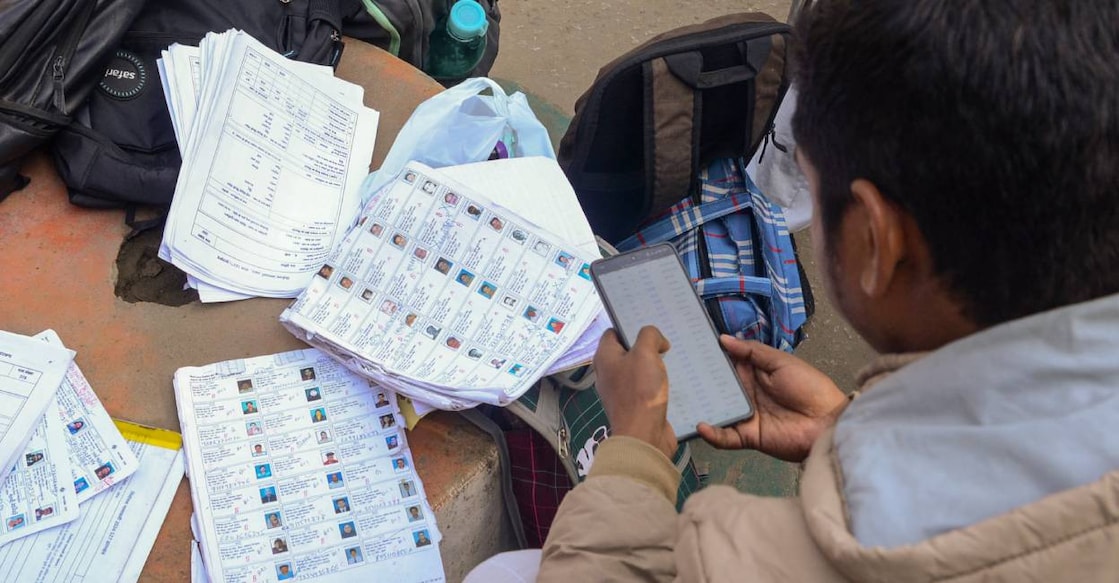
With the release of the draft electoral roll after the Special Intensive Revision (SIR) in Kerala, questions are being raised about missing voters and voting rights.
If you are among the two lakh voters removed from the SIR draft roll, you must apply as a fresh voter to exercise your franchise in the upcoming Assembly elections. Those who have turned 18 can also apply now.
Here’s how you can do it yourself — without visiting an Akshaya centre.
Step 1
Visit voters.eci.gov.in.
Create an account using your mobile number. Separate options are available for Indian resident electors and overseas Indian electors — choose accordingly.
Step 2
After logging in, go to New Voter Registration. Download and carefully read the guidelines. Click ‘Fill Form 6’.

Step 3
Choose your preferred language. Fill in State, District, and Assembly constituency. Enter your name as per Aadhaar and upload a recent passport-size photograph.Enter your name in both English and the regional language, then click Next.
Step 4
Provide details of the relative whose name appears in your Aadhaar card.
Step 5
Enter your contact details. Provide your Aadhaar number and upload the document.
If you don’t have Aadhaar, the form can be submitted only through your Booth Level Officer (BLO).
Step 6
Fill in gender and date of birth. Upload a self-attested age-proof document or birth certificate. If you were born outside India, upload the birth registration certificate issued by the Indian Mission abroad.
Step 7
Enter your present address in English and Malayalam and upload address proof (Aadhaar or approved alternatives).
Step 8
If you have any disability, provide details (optional).
Step 9
Enter the name and EPIC (Voter ID) number of a family member whose name appears in the current electoral roll.
Step 10
In the declaration section, fill in details of your father, mother, or spouse.
Answer the questions related to whether your parents or grandparents appeared in the 2002 SIR.
Provide State, District, Constituency, and Polling Station details of the family member listed in the last SIR and click Search — the details will auto-populate.
Step 11
In the next declaration page, enter your village, state, district, and the date from which you have been living at the current address. Provide the place from where you are submitting the application and click Next.
Enter the captcha, submit the OTP received on your phone, then click Preview and Submit.
Step 12
Review your form. Click ‘Keep Editing’ if changes are needed.
If everything is correct, download the form, then click ‘eSign and Submit’.
Step 13
You will be redirected to the eSign window. Enter your Aadhaar number, submit the OTP, tick the declaration box, and submit.
Step 14
Download the acknowledgement. You can track your application using the reference number by clicking Track Application Status on the homepage. Once approved, you can download your e-Voter ID from the same portal.
 Add as a preferred source on Google